Almost nobody starts using DonorLog on a blank page. When an organization signs up, they usually bring years of history with them: a spreadsheet the treasurer has kept since 2019, a Square export from the Sunday collection, a column of donation categories that three different volunteers typed three different ways.
Getting that history in is the first real thing people do in DonorLog, so if it goes badly, it colours everything after it. Over the summer we spent a lot of time on exactly this part of the product: the donation import, and what you do when imported data needs fixing.
Start with where the file came from
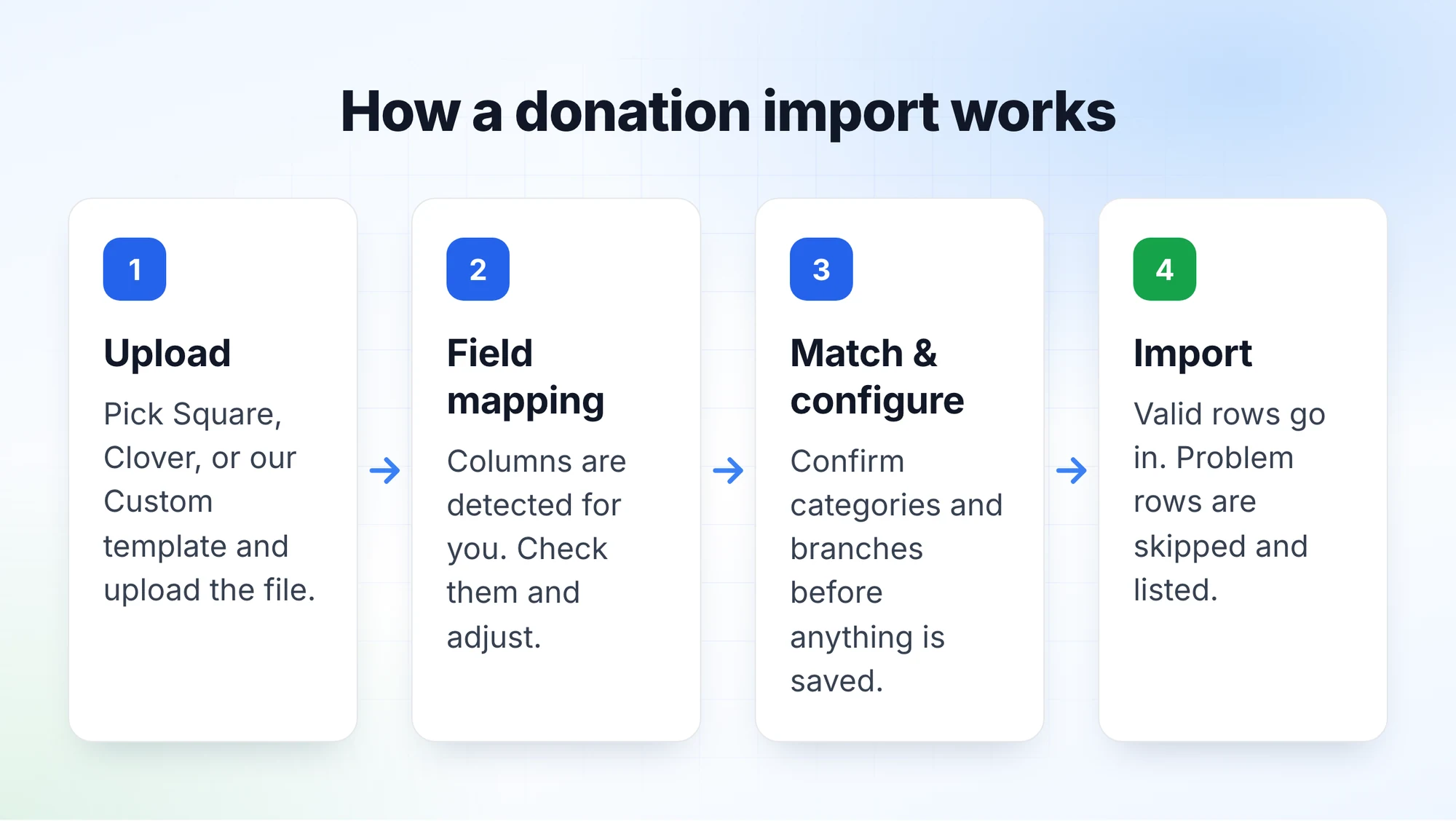
You'll find the import on the Donations page. The first thing it asks is where your file came from, because a Square export and a home-grown spreadsheet look nothing alike.
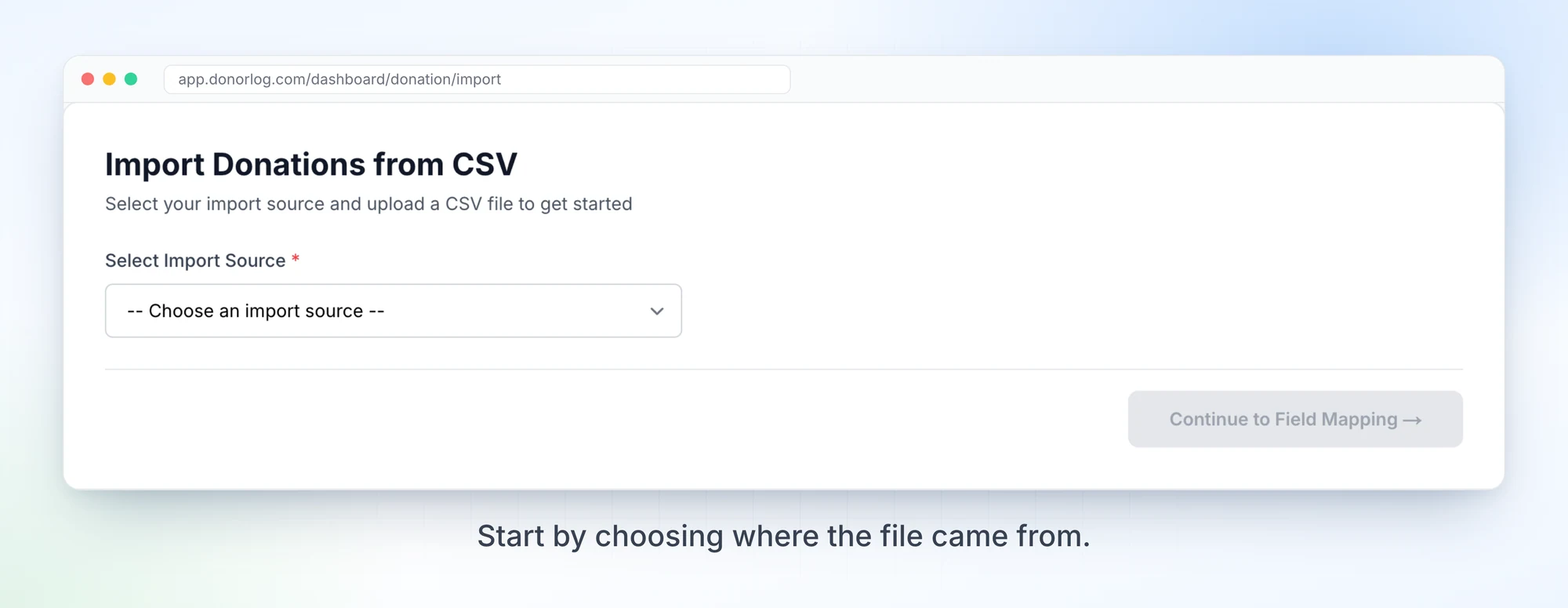
Right now there are three ways in:
- Square and Clover exports, with the columns detected automatically.
- Our Custom template, an Excel or CSV file you fill in yourself. If you don't have it, there's a download link right on the upload screen.
- PayPal, TipTap and bank statement imports are listed too, but they're still in development, and the screen says so.
After the upload you get a field mapping step. DonorLog guesses which column is the amount, the date and so on, and you confirm or correct it before going further.
The problem with "OFFRANDES"
The Custom template is where we learned the most. Take a file where the same category shows up as OFFRANDES, OFFRANDE, OFFRANDEXX and DIMES, all meant for categories that already exist in DonorLog. That's not a made-up example. It's the one written at the top of our own notes for this change.
The old import couldn't handle that well. If a name didn't match an existing category or branch exactly, the only option was to create a new one. So a single import could quietly leave you with four versions of "Offrandes" to clean up later. That's the opposite of what an import should do.
So we changed the Match & Configure step. Every category and branch from your file now shows what it maps to, and you can change it. Each row tells you how the match was made:
- exact match: the name matched something you already have.
- AI suggested: DonorLog thinks it's probably this one, and you should check.
- manually mapped: you picked it yourself.
- will be created: nothing matched, so a new category or branch will be made.
The "maps to" box is searchable, so you can point OFFRANDEXX at your existing "Offrandes" in a couple of clicks. And when something really is new, you can fix its name before it's created, instead of inheriting whatever typo was in the spreadsheet.
We also heard that this step was hard to scroll, mostly for organizations with a lot of branches. Exact matches don't need a decision, so they're now tucked behind a toggle, and the rows that need your attention are what you see first.
What happens to the bad rows
Real files have problems: a Donor ID that doesn't exist, an amount that isn't a number, a date in a format nobody recognizes. We didn't want one bad row to block the whole import.
In the Custom import, rows whose Donor ID isn't found, or that have an invalid amount, date or category, are skipped. So are rows that were already imported. You see how many won't be imported before you start, and everything else still goes in. At the end you get a summary of what was imported, what was skipped, and which categories and branches were created.
Fixing things after the fact
Even with a careful import, you'll eventually find 40 donations sitting under the wrong campaign. Until recently the only fix was to open each one and edit it.
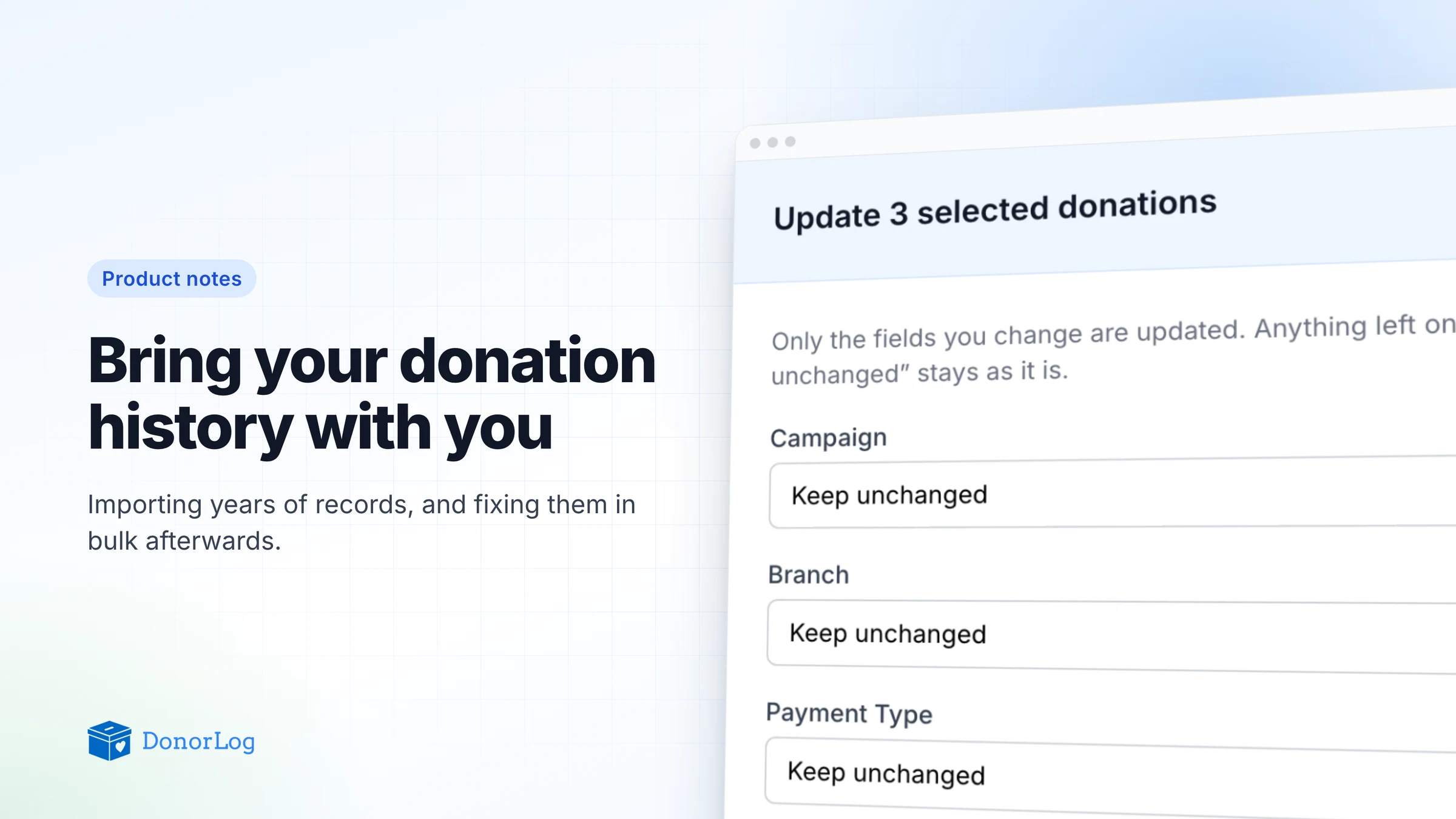
Now you can select donations in the list and choose Update selected. You can change the campaign, the branch or the payment type for all of them at once.
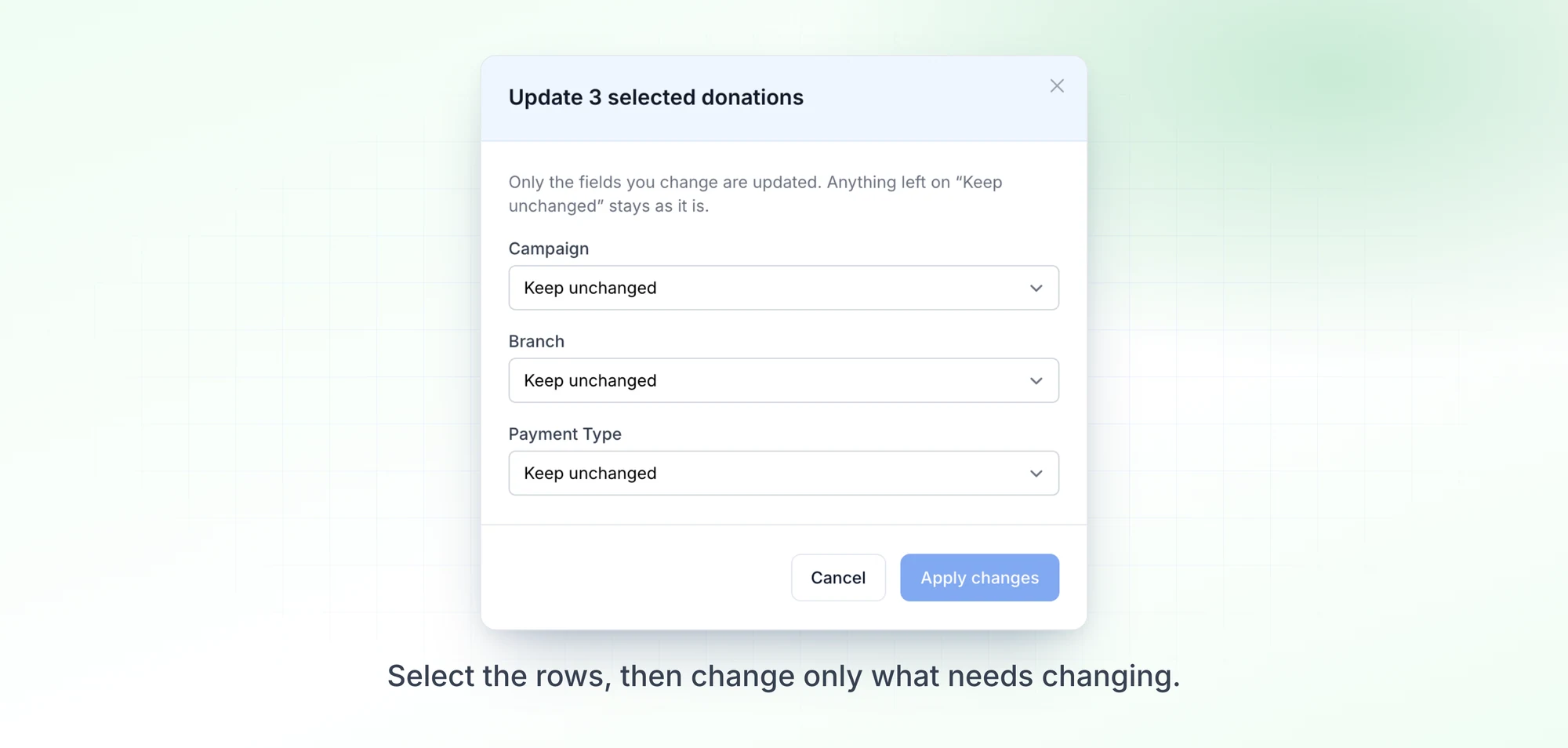
A few details we were deliberate about:
- Every field starts on "Keep unchanged." Only what you actually change gets updated, so fixing the campaign won't touch the branch.
- Branch and payment type can be cleared with "None (clear)". Campaign can only be reassigned, because every donation needs one.
- It works on up to 100 donations at a time. That covers a page of mistakes without letting a stray click rewrite your whole history.
Payment types also got more flexible. Organizations can now add their own instead of picking from a fixed list, so a French-speaking organization can use "Virement bancaire" and "Chèque" if that's what their team says. And pledges got the same kind of bulk update.
Why we keep coming back to this
It's not the flashiest part of DonorLog, but it decides whether someone trusts the numbers on their dashboard. If the import makes a mess, every report afterwards is a little bit wrong, and people can feel it.
If you've been putting off moving your old records over, now is a good time to try it. Start with a small file, see how the matching handles your categories, and tell us where it trips up. A lot of what's in this post came straight from people doing exactly that.