Every charity has a few things it wants to keep track of that have nowhere to live.
Which gifts came from a board member's personal ask. Which ones qualify for an employer match. Which expenses belong in the city grant report in April. Which pledges were made at the gala. None of those are campaigns, and they aren't payment types or categories either. So they go in the notes field, or in somebody's memory, and at report time someone scrolls through four hundred rows trying to remember.
That's the gap tags fill.
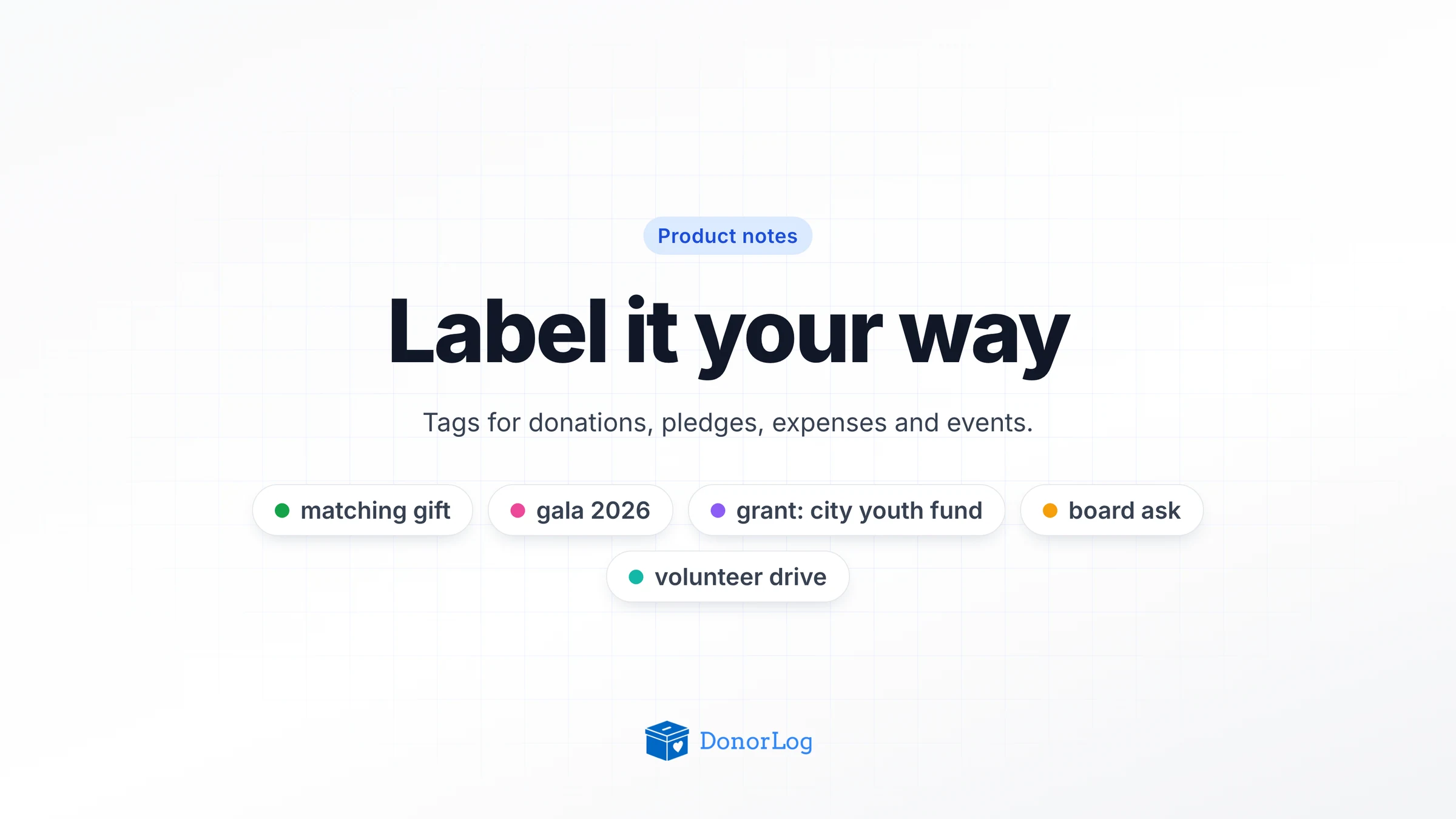
A tag is a short label you make up, like matching gift or gala 2026. It has a colour and, if you want, a description. You can put tags on donations, pledges, expenses and fundraising events, and they all come from one shared list. So gala 2026 can sit on the pledges from that night, the donations that followed, and the invoice for the hall.
How is that different from what's already there? A campaign is where the money is meant to go. A branch is where it came from. A category says what an expense was for. A tag is anything else you want to group by, and a record can have as many as it needs.
Making them
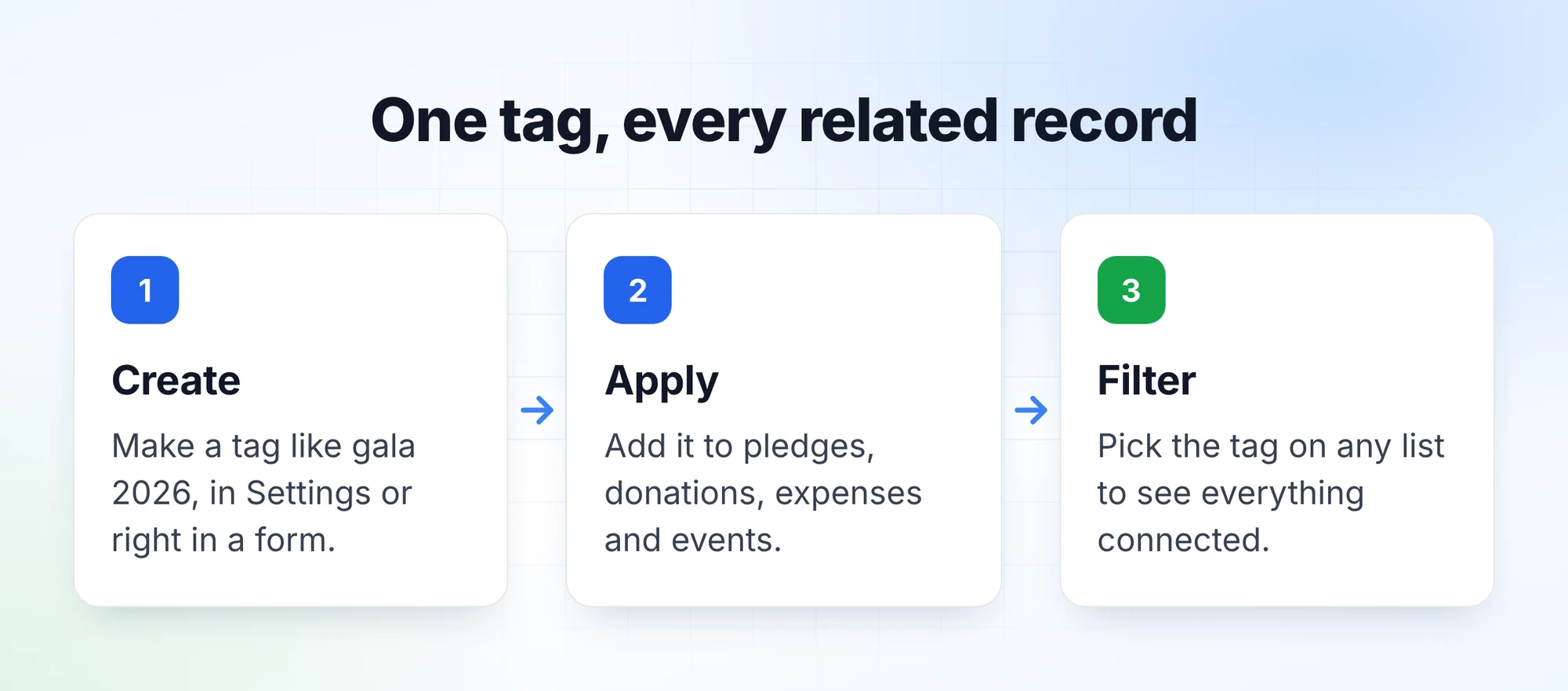
You can make a tag in the middle of entering something. Every donation, pledge, expense and event form has a field that says Search or create tags... Start typing. If the tag exists, pick it; if it doesn't, create it right there. No trip to Settings first.
When you want to tidy up, the whole list lives under Organization Settings → Tags.
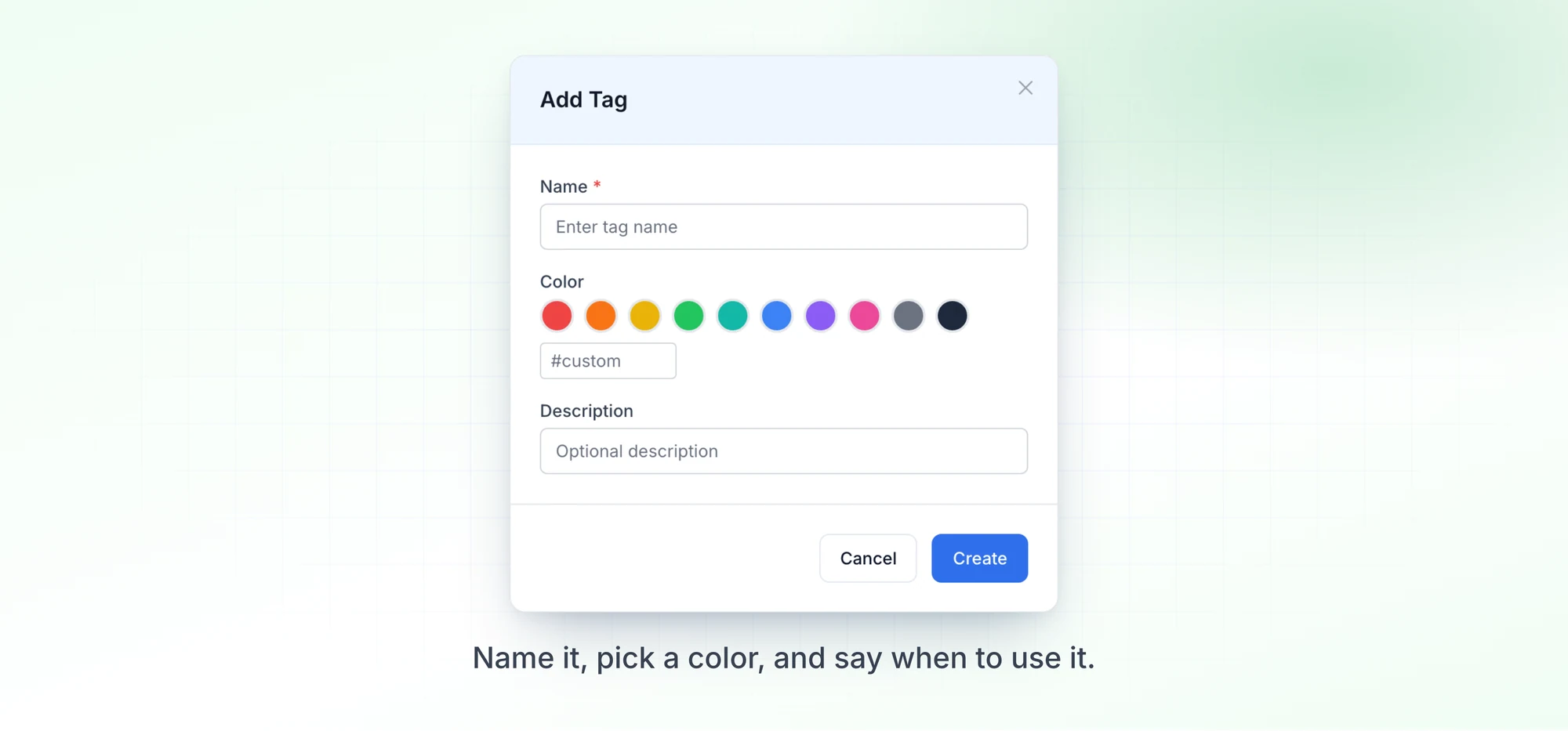
That's where you set colours (pick from the palette or type your own hex code) and write descriptions so the rest of the team knows when a tag applies. The list also shows how many records use each tag, which makes the forgotten ones easy to spot.
Names aren't case-sensitive. If someone types Gala 2026 and gala 2026 already exists, DonorLog uses the existing one instead of making a twin. Anyone who has cleaned up a spreadsheet with "Matching Gift", "matching gift" and "Matching gifts" in one column will understand why we bothered.
Cleaning up
Lists drift anyway. Someone makes gala, someone else makes spring gala, and six months later you've got both.
So you can merge one tag into another. Everything carrying the old tag moves to the one you're keeping, and the old one disappears. Nothing gets lost.
Deleting a tag just takes the label off the records that had it. The donations, pledges and expenses themselves don't change. "Delete" sounds alarming next to financial records, so to put it plainly: a tag is only a label, and deleting it only removes the label.
Finding things again
This is where tags earn their keep. The donation, pledge, expense and event lists all have a tag filter. Choose one tag or several. With several you get anything that has at least one of them, so picking gala 2026 and gala 2025 shows both years side by side. "Every donation tagged matching gift since January" becomes one filter instead of an afternoon.
There are some limits. Donors and campaigns can't be tagged for now. If you used the older free-form tags on expenses, they're still there as Tags (legacy) next to the new ones; we didn't remove or convert anything. And any admin can create a tag, which keeps things quick but means it's worth agreeing on a few names as a team before the list grows on its own.
To try it, pick one thing you're tracking in the notes field today. Make a tag for it, use it on the next few records, and filter by it on Friday.