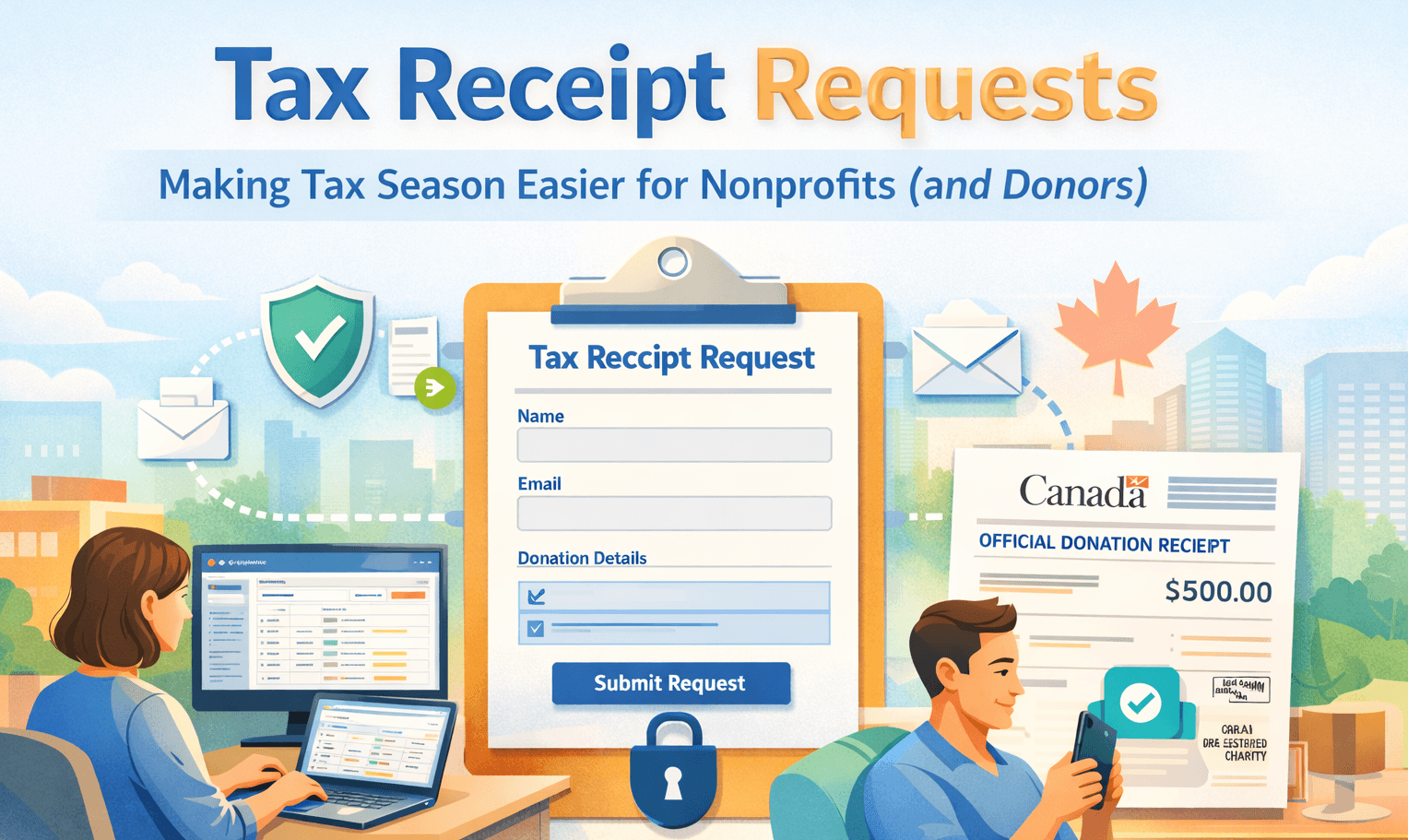
Every nonprofit knows the familiar tax-season scramble. Donors reach out asking for receipts. Staff search through spreadsheets, inbox threads, and payment records. Details get copy-pasted, questions repeat (“Which date? Which payment method? Which email?”), and the process drags on, right when teams are already stretched thin.
With Tax Receipt Requests, DonorLog replaces this chaos with a secure, trackable, end-to-end workflow that starts with the donor and ends with a CRA-compliant tax receipt, all without leaving the platform.
The problem nonprofits deal with today
Most organizations still rely on a patchwork of tools to handle receipt requests:
Google Forms + spreadsheets → inconsistent fields, missing information, no reliable audit trail
Inbox-based requests → hard to triage, delegate, or track; easy to lose context
Manual matching → staff spend time guessing which donor or donation a request refers to
Compliance risk → receipts must be accurate, and changes must be traceable
The biggest cost isn’t just time. It’s the context switching and uncertainty that comes from handling sensitive donor data outside the system that actually generates tax receipts.
What’s new: a DonorLog-owned request-to-receipt pipeline
Tax Receipt Requests introduces a purpose-built workflow with three core capabilities:
Donor self-service intake – donors submit the exact information needed to locate their donations
Admin review and guided matching – one queue to triage requests with system suggestions to reduce guesswork
Receipt generation and delivery – approved requests flow directly into existing CRA-compliant receipt generation and email delivery, with full logging
How it works (end to end)
1) Admin creates a secure request link
Inside DonorLog, admins generate a shareable link for a specific tax year window. Each link can have an expiration date and can be revoked at any time.
2) Donor submits their request
The donor opens the link and completes a guided form that collects:
Donor identity and mailing address (required for official receipts)
Payment details for each donation they need a receipt for (multiple entries supported), such as:
card brand + last 4 digits (with guidance for Apple Pay / Google Pay virtual numbers)
Interac e-Transfer reference, sender name, and optional message
notes to help reconcile edge cases
After submission, the donor receives a confirmation email with a tracking reference.
3) DonorLog verifies and stores the request securely
Each submission is protected with:
signed link verification (HMAC)
link expiry and revocation checks
rate limiting
CAPTCHA (Turnstile) to reduce spam
Valid requests are stored securely within the organization’s workspace.
4) Admins triage requests in one queue
Organizations get a dedicated Tax Receipt Requests dashboard with:
searchable request list (donor name or email)
filters by status and date range
full request details (donor info and payment entries)
workflow timestamps (submitted, matched, receipt generated, emailed)
5) Guided, human-in-the-loop matching
Clicking “Take Action” launches a structured workflow:
Link to a donor profile – DonorLog suggests likely matches; admins confirm or search manually
Match donations – card payments are matched by brand + last 4 digits, e-Transfers by reference and sender details
Generate the receipt – once linked, DonorLog generates the receipt using the existing CRA-compliant engine (including annual or cumulative receipts where applicable)
6) Email delivery with a clean audit trail
Admins send the receipt by email, and DonorLog records when the receipt was generated and when it was sent, creating a clear operational history.
Why this helps nonprofits
Less back-and-forth with donors – the form captures what staff usually have to ask for later
Faster turnaround – one queue and guided steps reduce time spent “figuring it out”
Fewer errors – structured fields beat free-form emails
Single source of truth – requests live alongside donors, donations, and receipts
Better delegation – clear statuses and timestamps make handoffs easy
Compliance-friendly – receipts stay within the CRA-aware pipeline with traceability
Security and trust, built in
Handling tax receipts means handling sensitive information. That’s why security is a first-class feature:
signed, expiring links scoped to an organization and tax year
link revocation at any time
rate limiting and CAPTCHA to prevent abuse
authenticated, org-scoped admin access
A simple way to explain it to donors
Before: “Fill out this Google Form. We’ll try to match it. We may email you again.”
Now: “Use this secure DonorLog link. Enter the details you remember. We’ll verify and send your CRA-compliant receipt—tracked end to end.”
Tax season shouldn’t mean spreadsheets, guesswork, or inbox archaeology. With Tax Receipt Requests, nonprofits get a secure, auditable workflow that starts with donor self-service and ends with accurate, CRA-compliant receipts—faster, cleaner, and with far less manual overhead for your team.