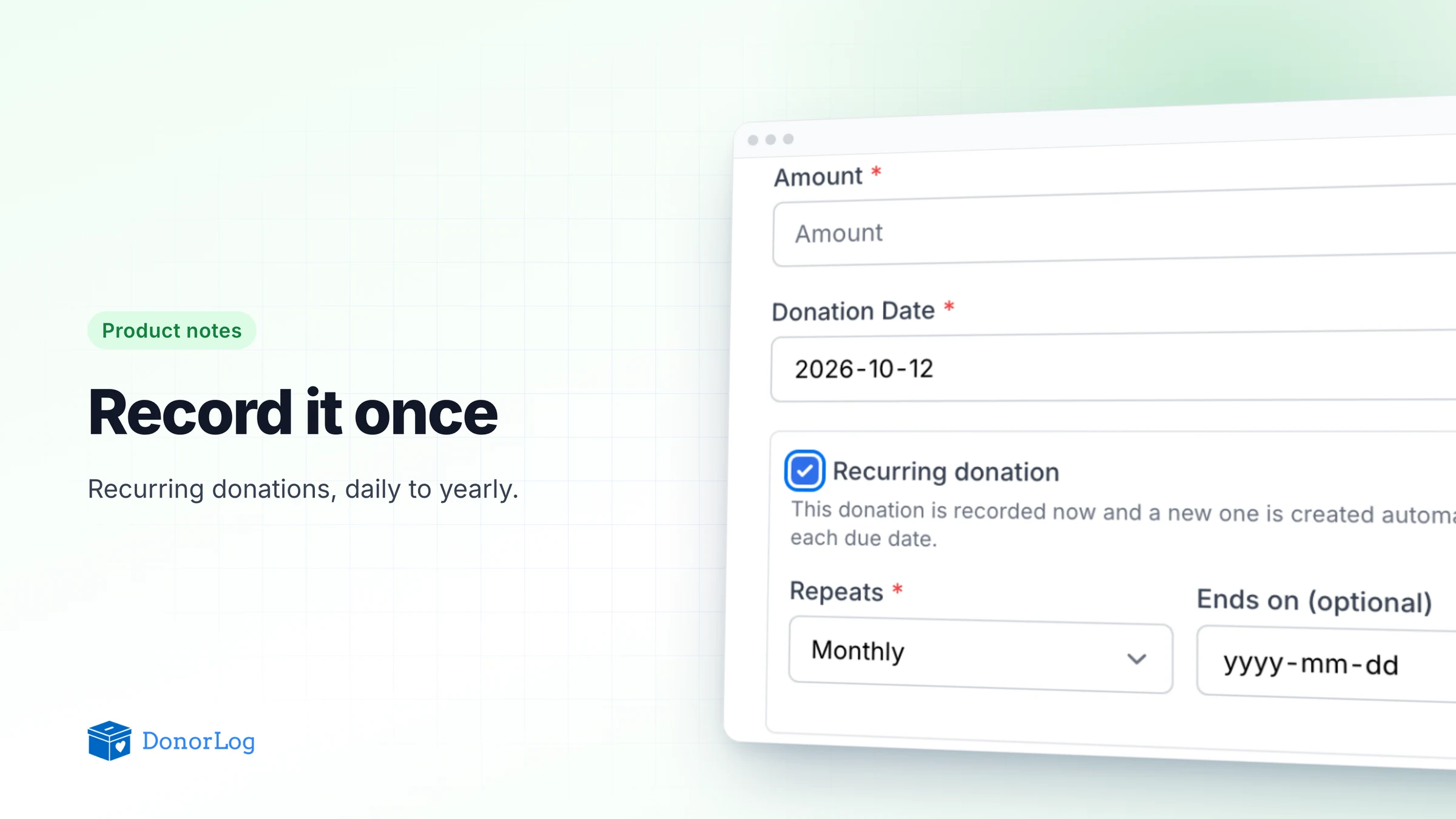
Most charities we work with have a handful of people who give the same amount on the same day, every month, for years. A standing order from a retired teacher. A family that sends something every Friday. A local business that writes one cheque each January.
They're the most reliable money a small organization has. They're also, oddly, some of the most annoying to keep track of, because every one of those gifts used to mean someone opening DonorLog, finding the donor, picking the campaign and typing in the same amount they typed in last month. Fifty monthly donors is six hundred near-identical entries a year. Miss one in a busy week and the donor's year-end receipt comes out short.
So we built recurring donations.
Record it once
When you add a donation now, there's a Recurring donation checkbox under the date. Tick it, choose how often it repeats (daily, weekly, monthly or yearly), and optionally pick an end date if the donor has told you when they plan to stop.
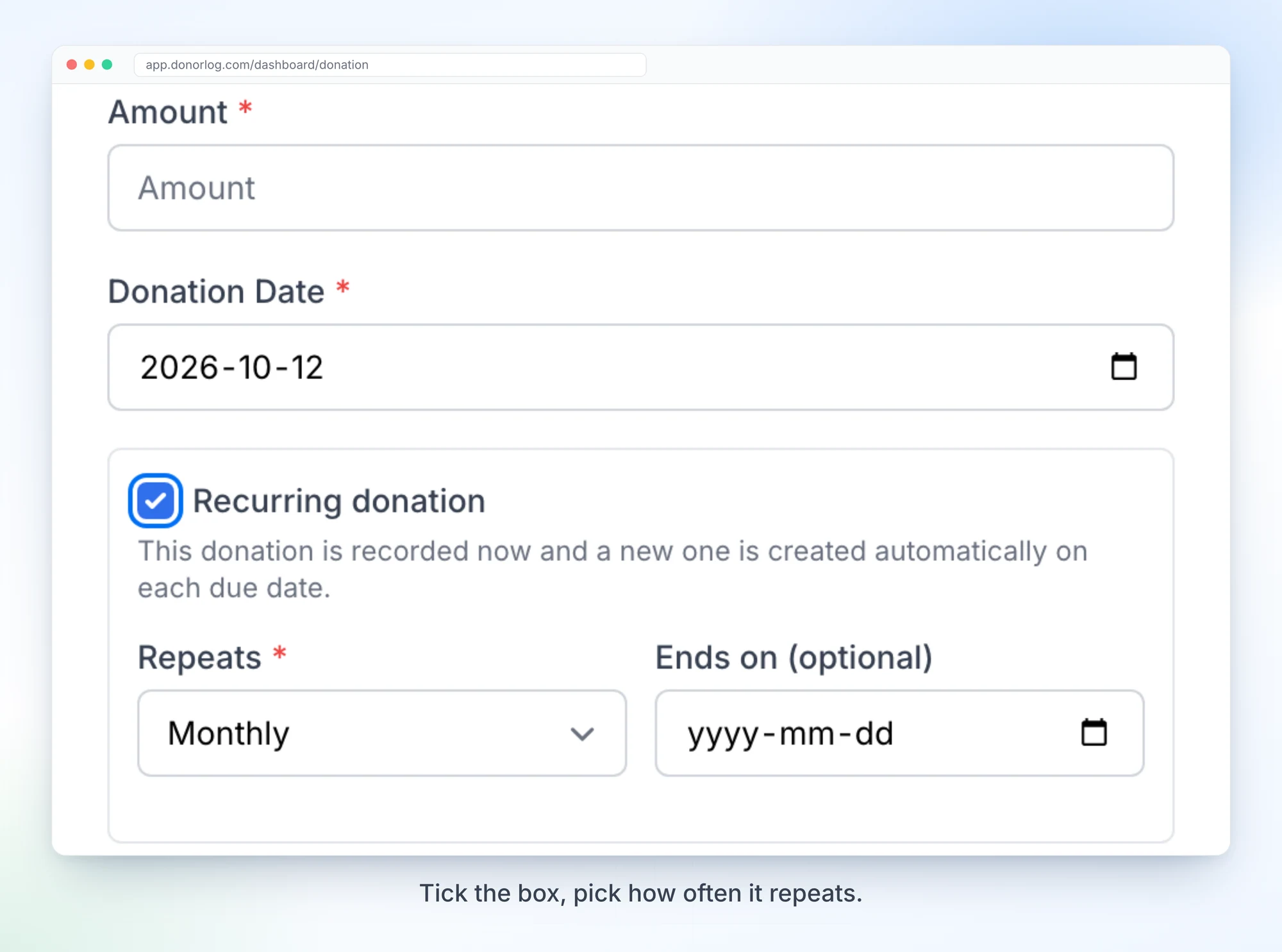
The donation you're entering is saved straight away, exactly like any other. From then on DonorLog adds the next one on each due date, with the same donor, campaign, amount, payment type and notes. Those are ordinary donations. They show up in your lists, reports and exports, and they count toward the donor's tax receipt like anything you'd entered by hand.
A job runs once a day and creates whatever has come due. If it's ever held up, it catches up on the missed dates the next time it runs, and it won't record the same occurrence twice. We were stubborn about that second part, because a duplicated donation that ends up on a tax receipt is a much worse problem than a missing one.
Monthly schedules stick to the day they started. A gift that began on January 31st lands on February 28th (29th in a leap year), then goes back to March 31st. That one took a few rounds of tests to get right.
Life happens, so you can pause
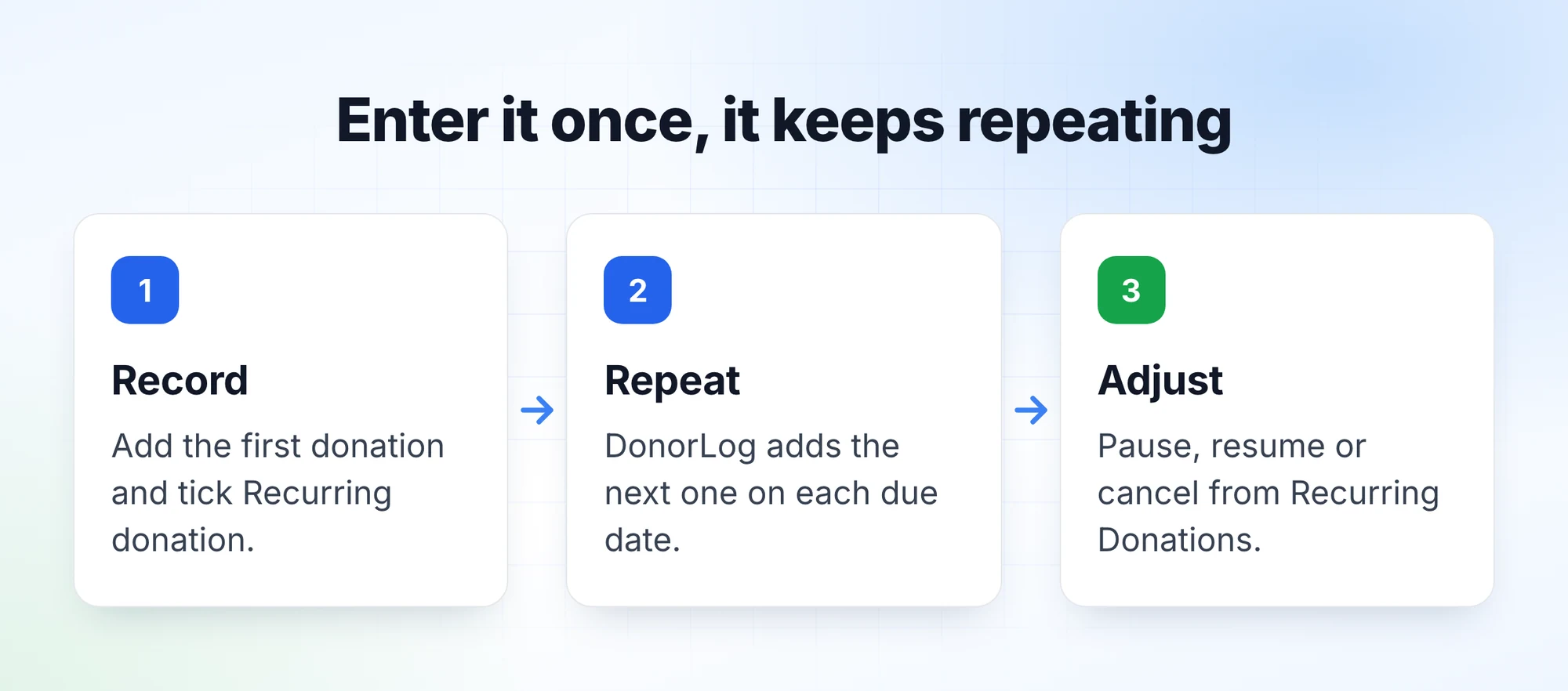
Donors take breaks. Someone loses a job, moves, or just asks you to hold off for a few months. Under Donations, the ⋯ menu now has a Recurring Donations page that lists every schedule with its donor, amount, frequency, next donation date and status, and lets you pause, resume or cancel each one.
We went back and forth on what resuming should do. Filling in the paused months felt wrong: if someone asked you to stop for three months, the last thing you want is three donations appearing the day they come back. So resuming picks up from the next due date after today, and the paused stretch stays empty.
Cancelling is permanent, and it never touches donations that are already recorded. When a schedule reaches its end date, it's marked completed by itself.
One limit, so nobody's surprised: this records gifts. It doesn't charge a card or pull money from a bank account. It's for standing orders, regular e-Transfers, monthly cheques, anything where the money arrives on its own and you just want the books to keep up.
If you have even a few regular givers, try it on the next one who comes in. Add the donation, tick the box, and that's the last time you'll type that gift in.