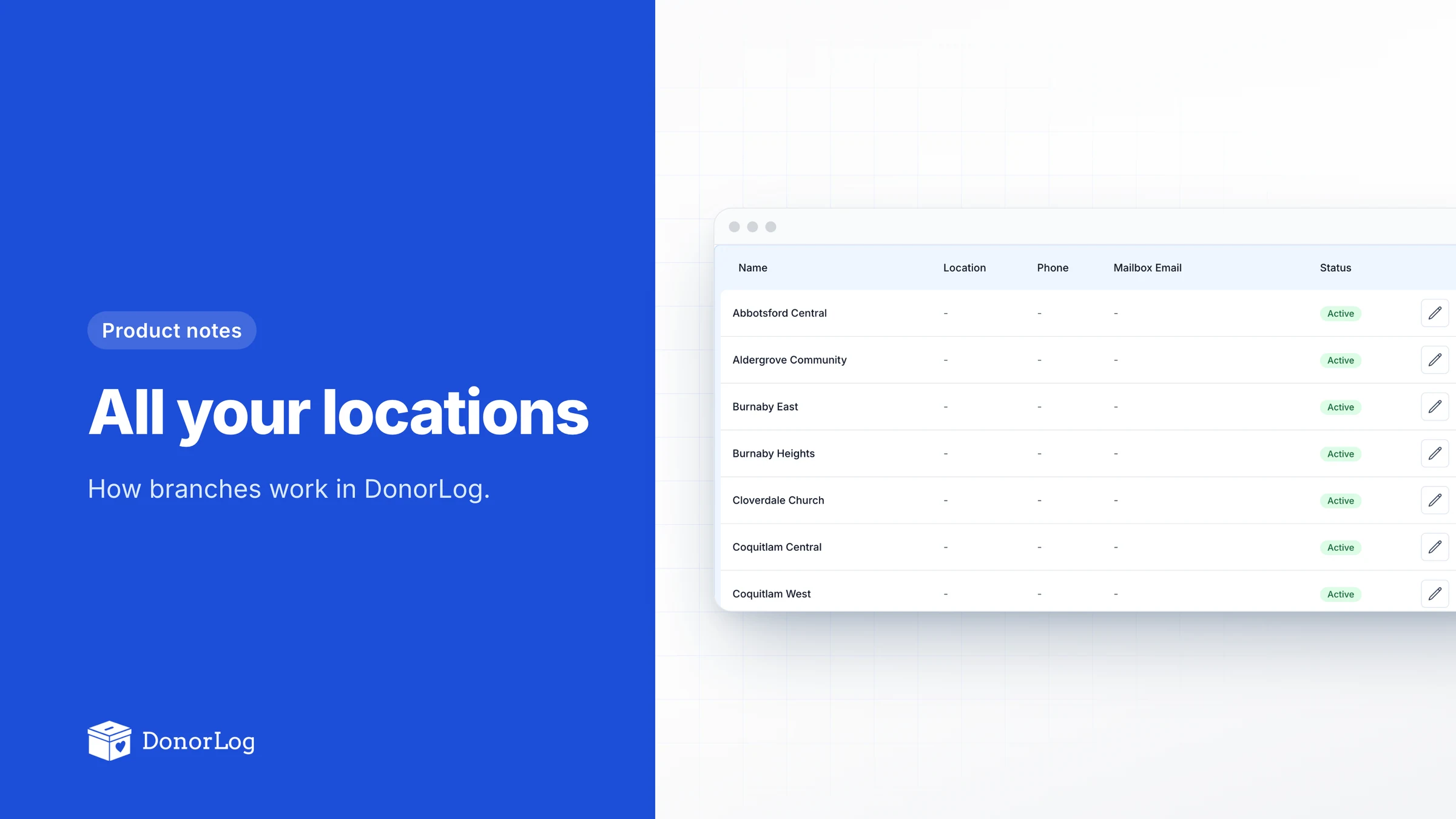
"Can we have one account for all three locations?"
We hear some version of that a lot. Plenty of the charities on DonorLog aren't one building. There's a main centre and a couple of satellite sites, or a food bank with pickup points across town, or a church with congregations in three cities. Each place takes in its own money and spends its own money, and someone at head office wants to see how each is doing without phoning around.
Before branches, people made do. Some opened a separate account for every location and gave up on seeing the whole picture. Others kept one account and leaned on campaign names like "Building Fund – Burnaby", which works right up until someone forgets the suffix.
Branches are the proper fix.
Setting them up
You'll find them under Organization Settings → Branches. A branch needs a name; location, phone and a mailbox email are optional. Two branches can't share a name, so you won't end up with two "Downtown"s.
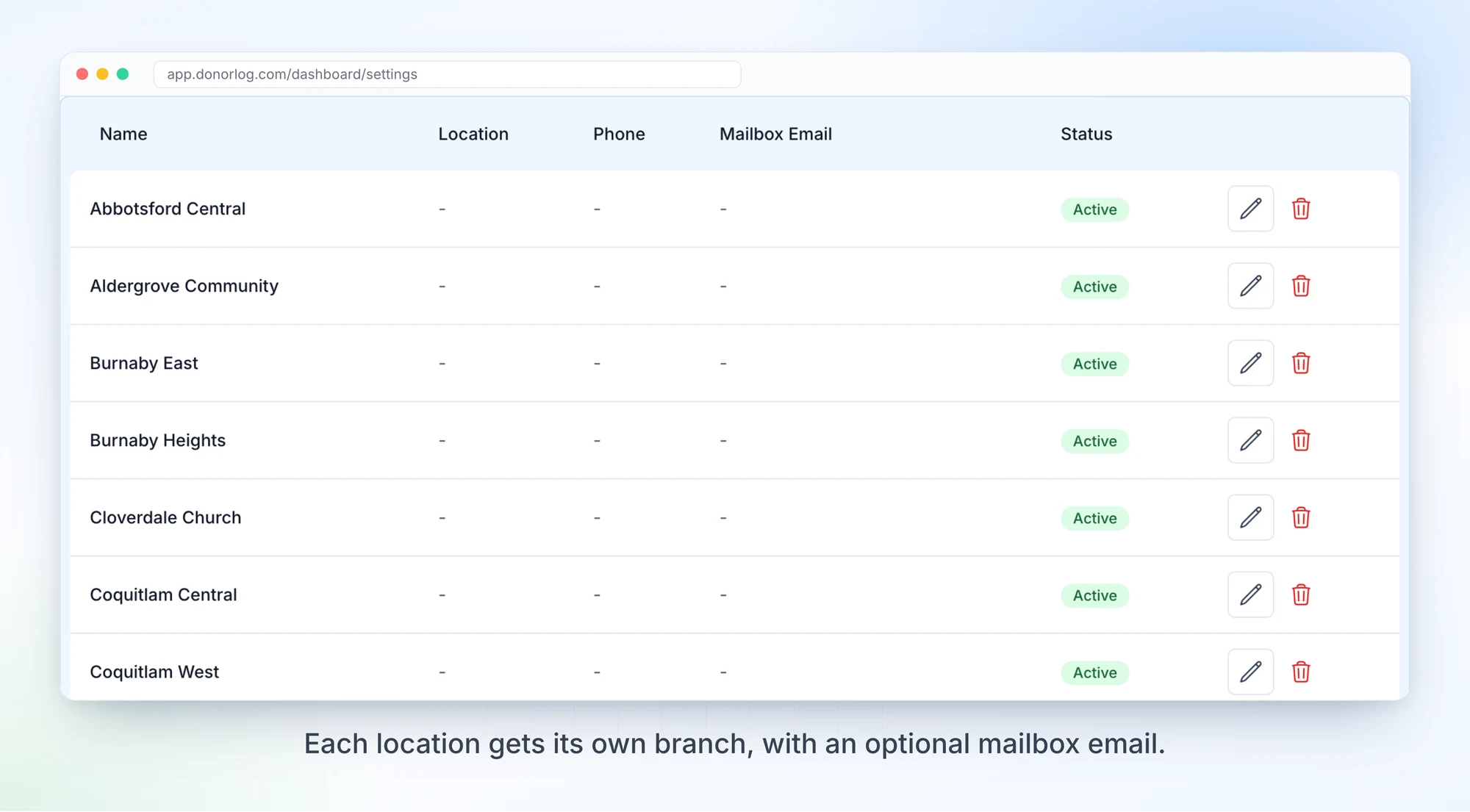
If a location closes, deactivate it instead of deleting it. It drops out of the dropdowns so nobody files new records there, but everything already recorded against it stays where it is. You'll want that history come receipt time.
Who sees what
This is the decision I'd most like to hear people's thoughts on.
In DonorLog a branch is something you filter by. It isn't a locked room. You can assign a branch to donors, donations, pledges, campaigns, expenses and fundraising events, and the list pages get a Branch column and filter, but every admin still sees every branch. The default view shows them all together. Older records without a branch just say Unassigned, so turning branches on doesn't mean re-sorting five years of history first.
The catch is that you can't yet give a volunteer access to only their own location. We held off on branch-level permissions until we'd seen how people actually use branches, because permissions are easy to get wrong and hard to take back. If you need them, tell us. It's the obvious next step.
The mailbox part
Honestly, this is my favourite bit.
Each branch can have its own mailbox email. You type a short prefix, toronto for example, and DonorLog builds the full address. It's locked once you save it. People will start sending things to that address, and changing it later would quietly break that.
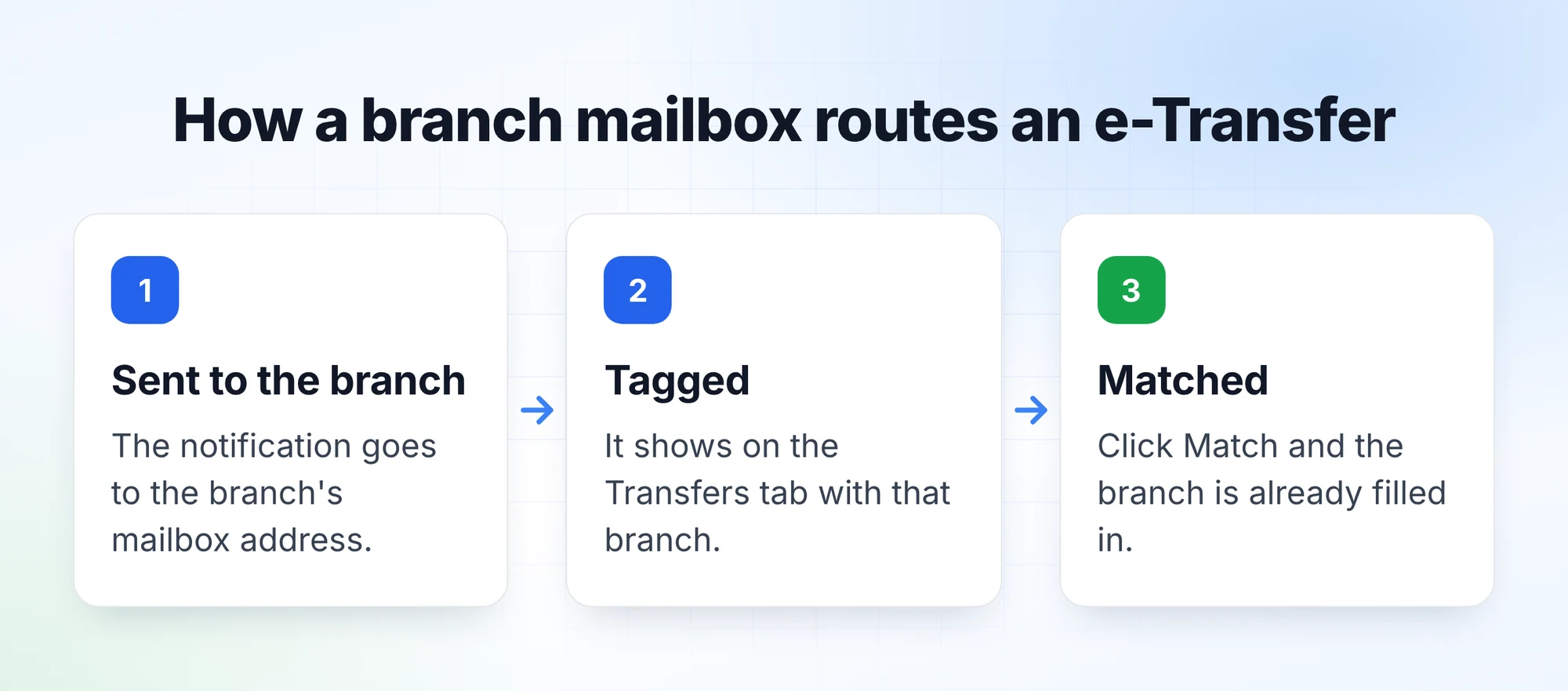
Anything sent there is routed to the branch. Ordinary emails show up in the Mailbox with a branch badge. Interac e-Transfer notifications land on the Transfers tab already tagged with the branch, and when you click Match the branch is filled in on the new donation. If each site gives donors its own e-Transfer address, the money arrives already sorted.
Mail to your main support address works the same as always, just without a branch.
Everywhere else
Once records carry a branch, the donation report can break totals down by Branch, next to campaign, payment type and date. Donation imports let you line up the branch names in your spreadsheet with your DonorLog branches before anything is saved. Bulk update on donations and pledges can move a whole batch from one branch to another. Expenses take a branch too, so each site's spending sits beside its giving.
Branches come with the Professional plan (up to 10 locations) and Enterprise (up to 100). They aren't part of Starter. Most single-site charities would never touch them, and the extra column would just be in the way.
If you're on one of those plans, add your locations under Organization Settings → Branches and give any site that receives e-Transfers its own mailbox address. Don't worry about older records yet. Start with what comes in this week, and use bulk update later for the history you actually care about.