Every January we get the same kind of message. A treasurer has spent the holidays chasing donor addresses, or found thirty e-Transfers nobody matched, and the receipts were meant to go out last week.
Generating receipts in DonorLog takes minutes. What takes weeks is everything that has to be right before you press the button. Most of that can be done now, while it's still quiet. This is the order I'd do it in.
1. Match your e-Transfers
An e-Transfer nobody has matched isn't a donation yet, so it won't be on anyone's receipt.
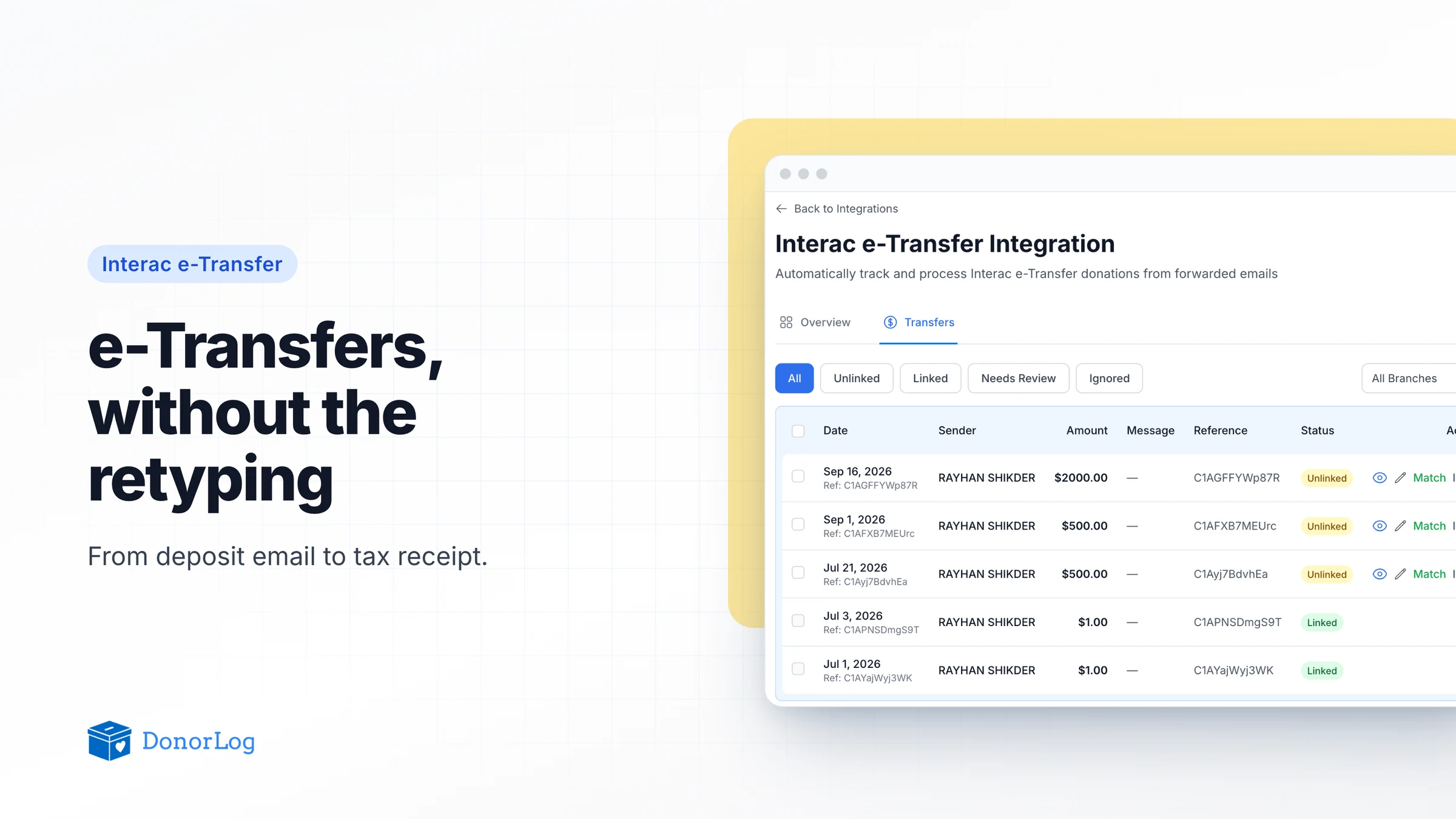
Go to Payment Integrations → Interac → Transfers and filter to Unlinked. You can now tick several at once and use Match selected: DonorLog suggests a donor for each one, you choose the campaign, and it works down the list. Anything that isn't really a donation, like a duplicate notification, can go through Ignore selected.
If you only do one thing on this list, make it this one, and keep doing it every month.
2. Look at the donor records
A receipt is only as good as the record behind it. Check that names read the way you'd want them printed. New company donors should be created as Business donors with the business name, not as a person whose first name is "ABC" and last name is "Foods Ltd". Look for placeholder addresses like "Unknown" or "To be provided". Donors in the US can now have proper US addresses with a state and ZIP code. And check for emails, because receipts go out by email and anyone without one needs a different plan.

3. Fix misfiled donations
If donations went into the wrong campaign, branch or payment type during the year, sort that out before you receipt. On the Donations page, select the rows and use bulk update to change just the field that's wrong.
4. Clear the requests
If donors use your receipt request form, open Tax Receipts → Requests and work through anything new. Each request has to be matched to a real donation before a receipt can go out, and that's a much nicer job in December than in February. There's more on how requests work in this earlier post.
5. Check the tax year
When you create a batch, the Tax Year dropdown shows the exact dates it covers, like 2025 (2025-09-01 to 2026-08-31) for an organization whose year starts in September. Make sure it's the year you mean. It takes ten seconds and saves a very awkward correction email.
6. Run the batch
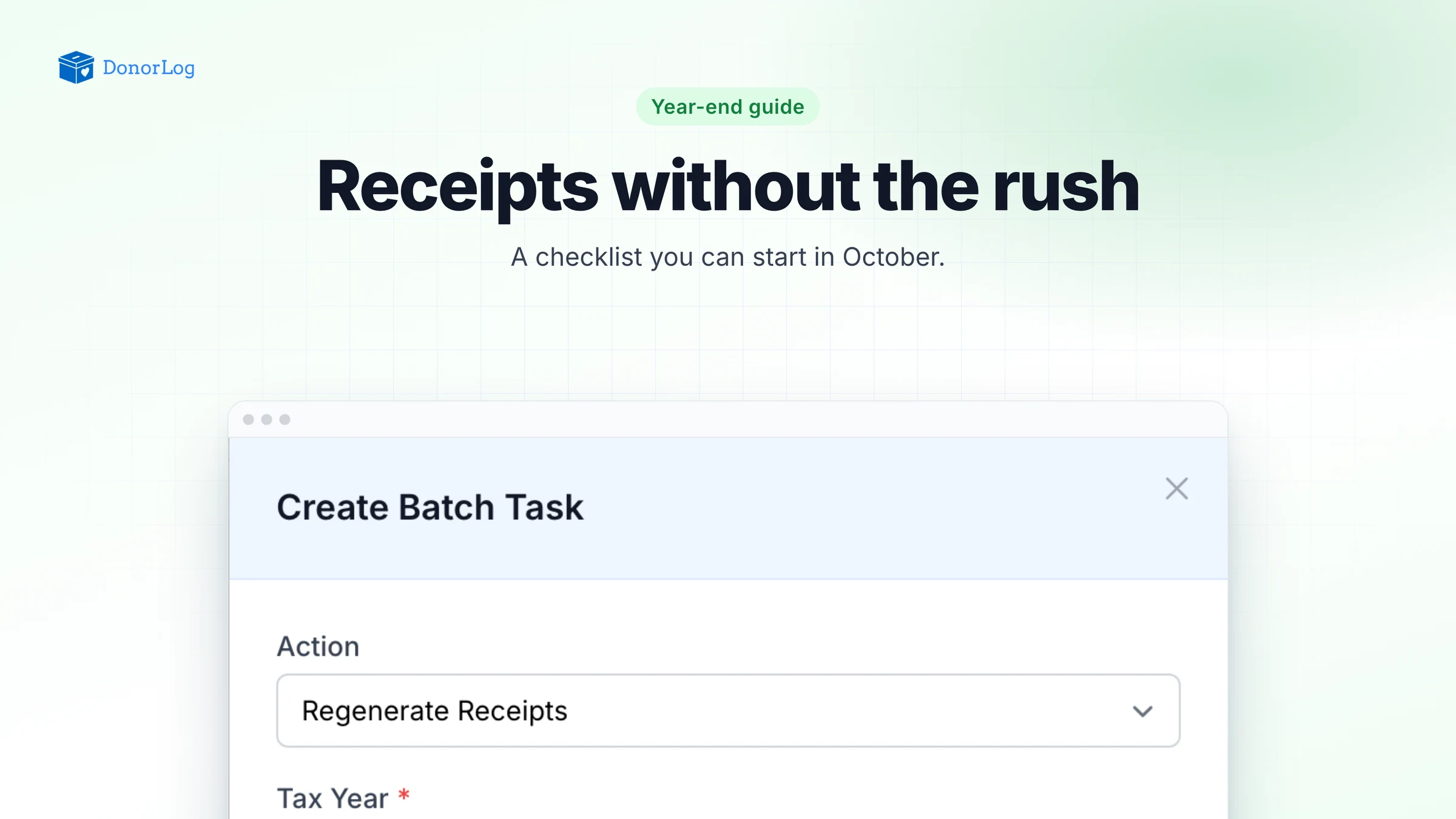
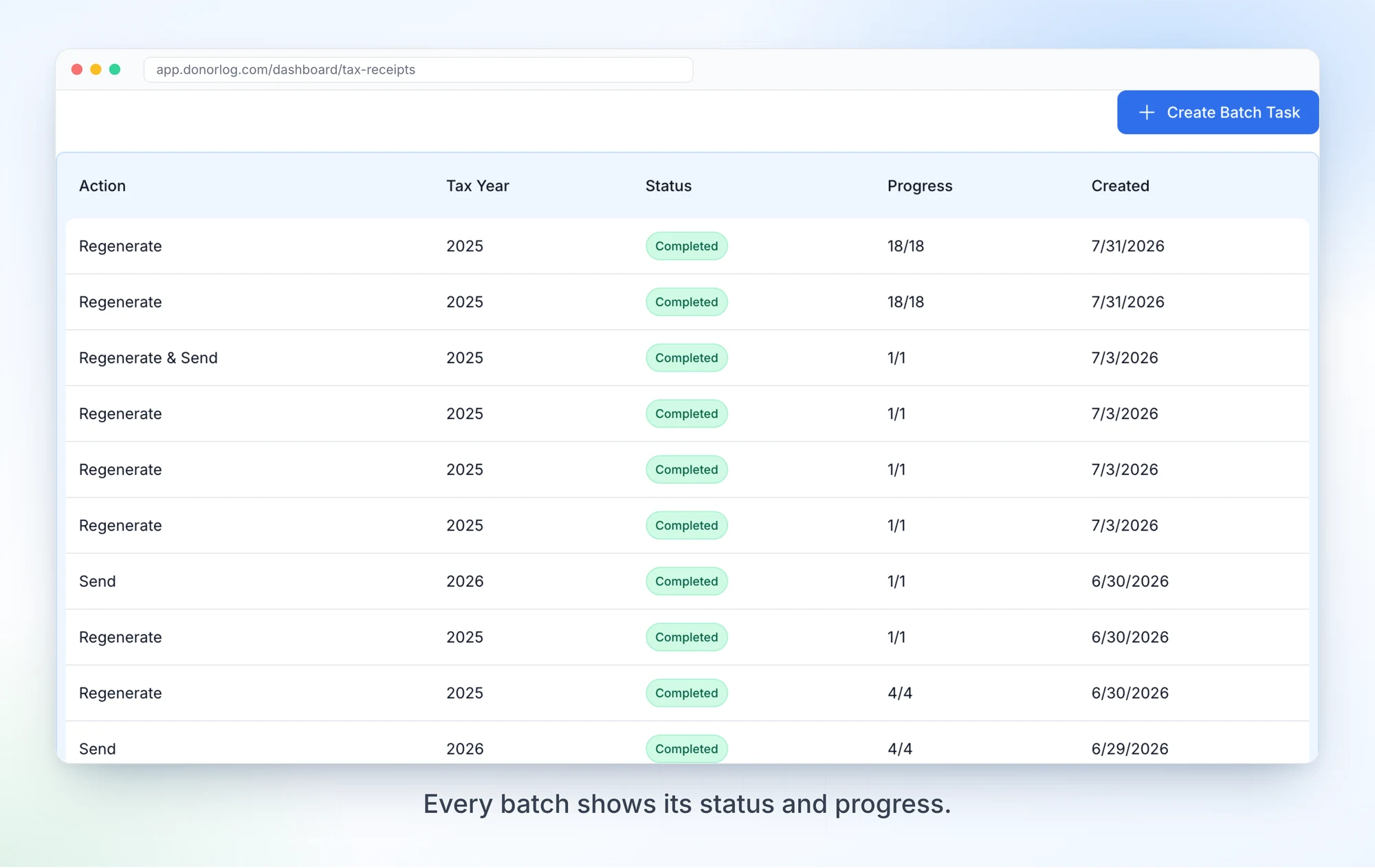
Now for the part everyone thinks of as "doing receipts". Go to Tax Receipts → Batch Tasks and click Create Batch Task.
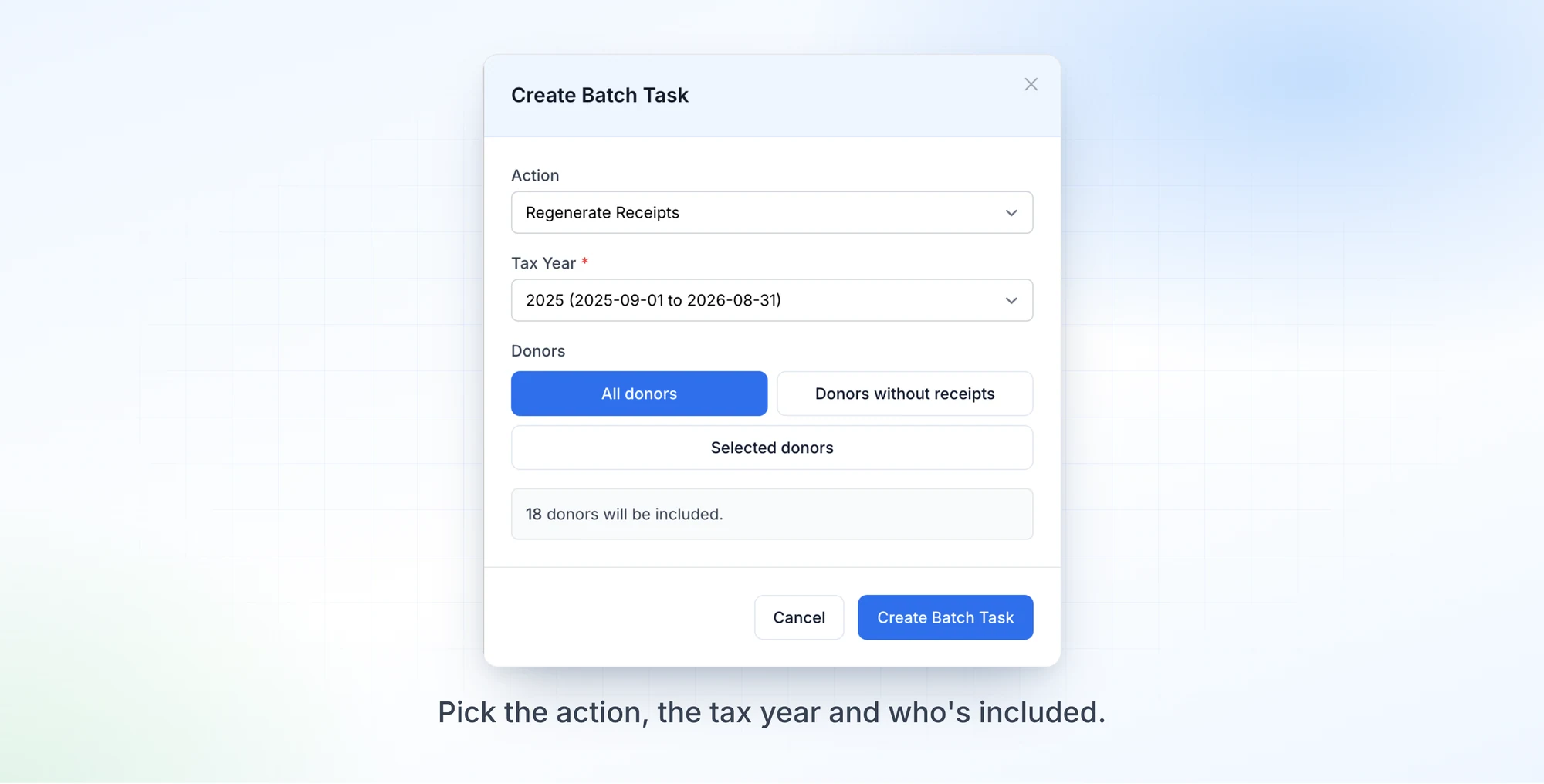
You choose an action, a tax year and who's included. Regenerate Receipts builds or rebuilds the PDFs, Send Receipts emails ones that already exist, and Regenerate & Send does both. For donors you can pick All donors, Donors without receipts, or Selected donors, where you search for specific people. Before anything starts, DonorLog tells you how many donors that comes to.
My advice is to split it into two runs. Do Regenerate Receipts first, open a handful of PDFs under Previously Generated and actually read them, and only then run Send Receipts. It costs you a few minutes and means you find the wrong address before two hundred donors do.
Large batches run in the background and you can watch them progress. If some donors fail, often because of a bad email address, the batch finishes as Completed with Failures and shows who failed and why. Fix those records and retry only the failed ones. Send Tax Receipts to Hundreds of Donors in Minutes goes deeper into how batch tasks work.
One practical note: batch receipt actions count toward your plan's limits, so if your donor list is long, check where you stand before the busy week.
Spread over the next few months, it looks something like this: e-Transfers and donor records in October, misfiled donations and requests in November, a weekly round of matching through December, and the batch in January. None of these steps is hard. Doing all of them in the same week is.